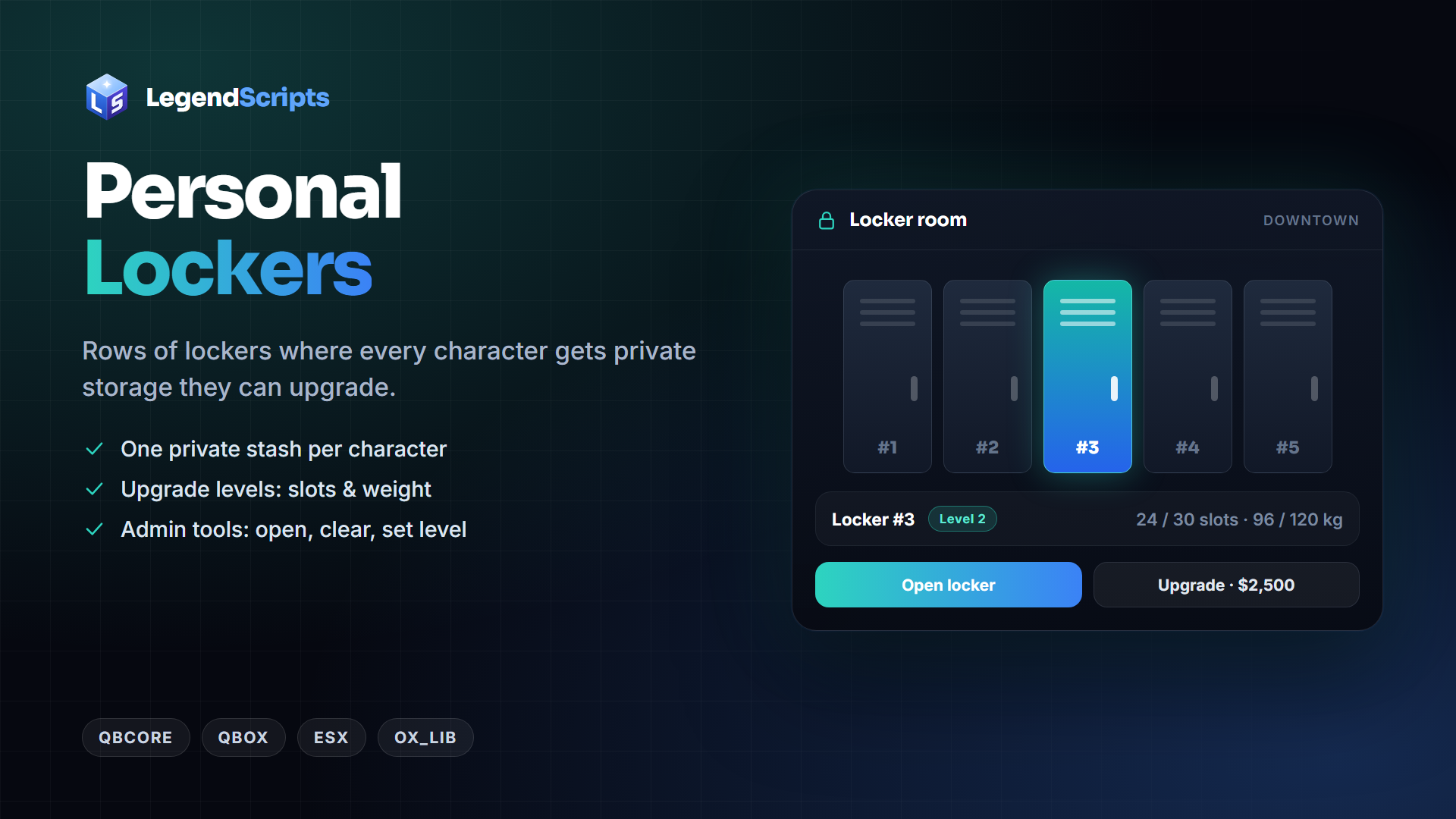
Personal Lockers
Rows of lockers where every character gets their own private storage. Players can upgrade their locker for more slots and weight; admins can
Free
Price in USD. Taxes are calculated at checkout.
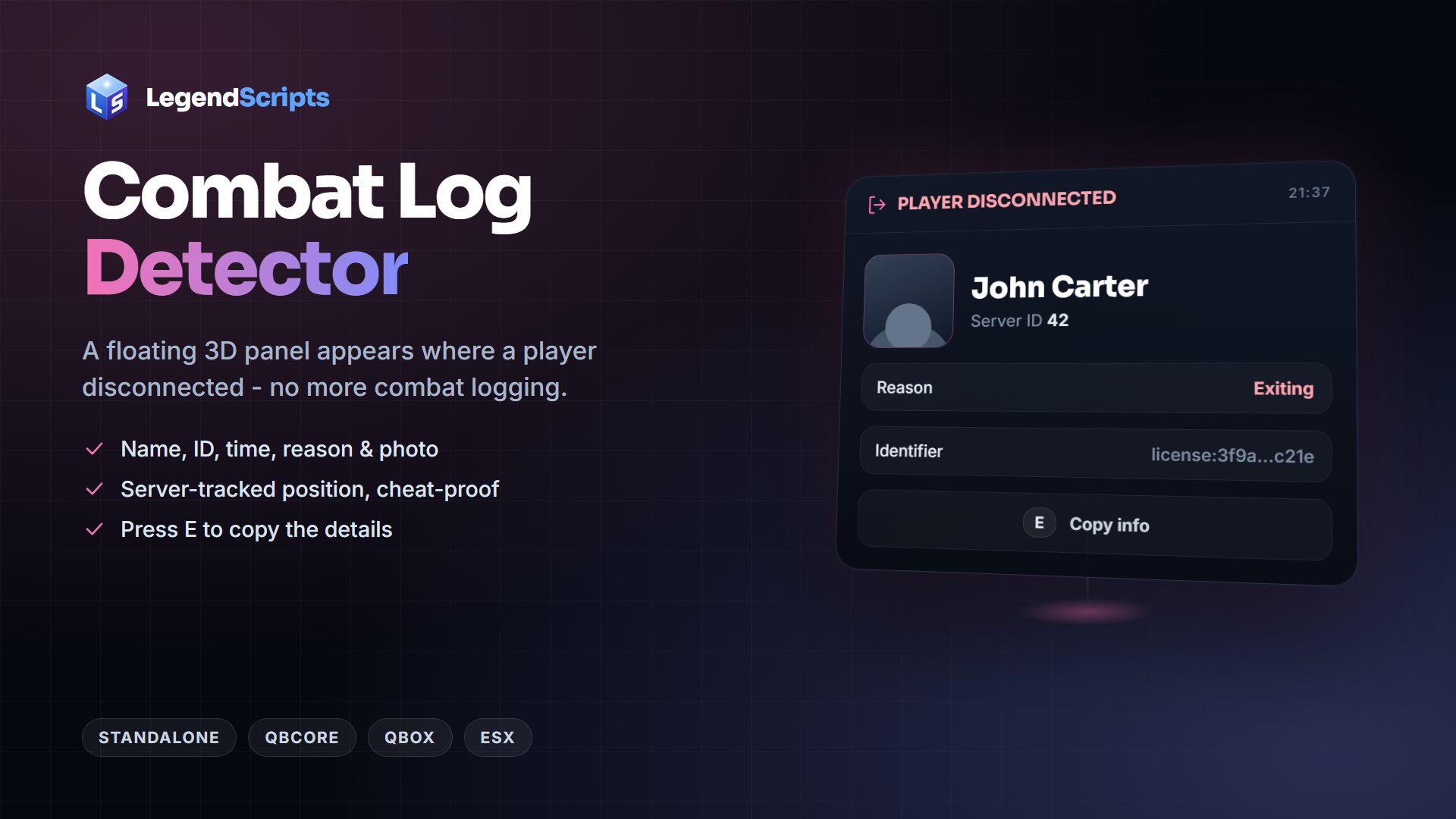
When a player disconnects, a floating 3D panel appears exactly where they left: name, server id, time, disconnect reason, identifier and (optionally) their photo. Perfect for catching "combat logging" during roleplay situations.
Delivery: instantly to your Cfx.re Portal (Granted Assets). Protected by FiveM asset escrow - config, locales and bridge files stay open.
Documentation: docs.legendscripts.xyz/combatlog
Rows of lockers where every character gets their own private storage. Players can upgrade their locker for more slots and weight; admins can
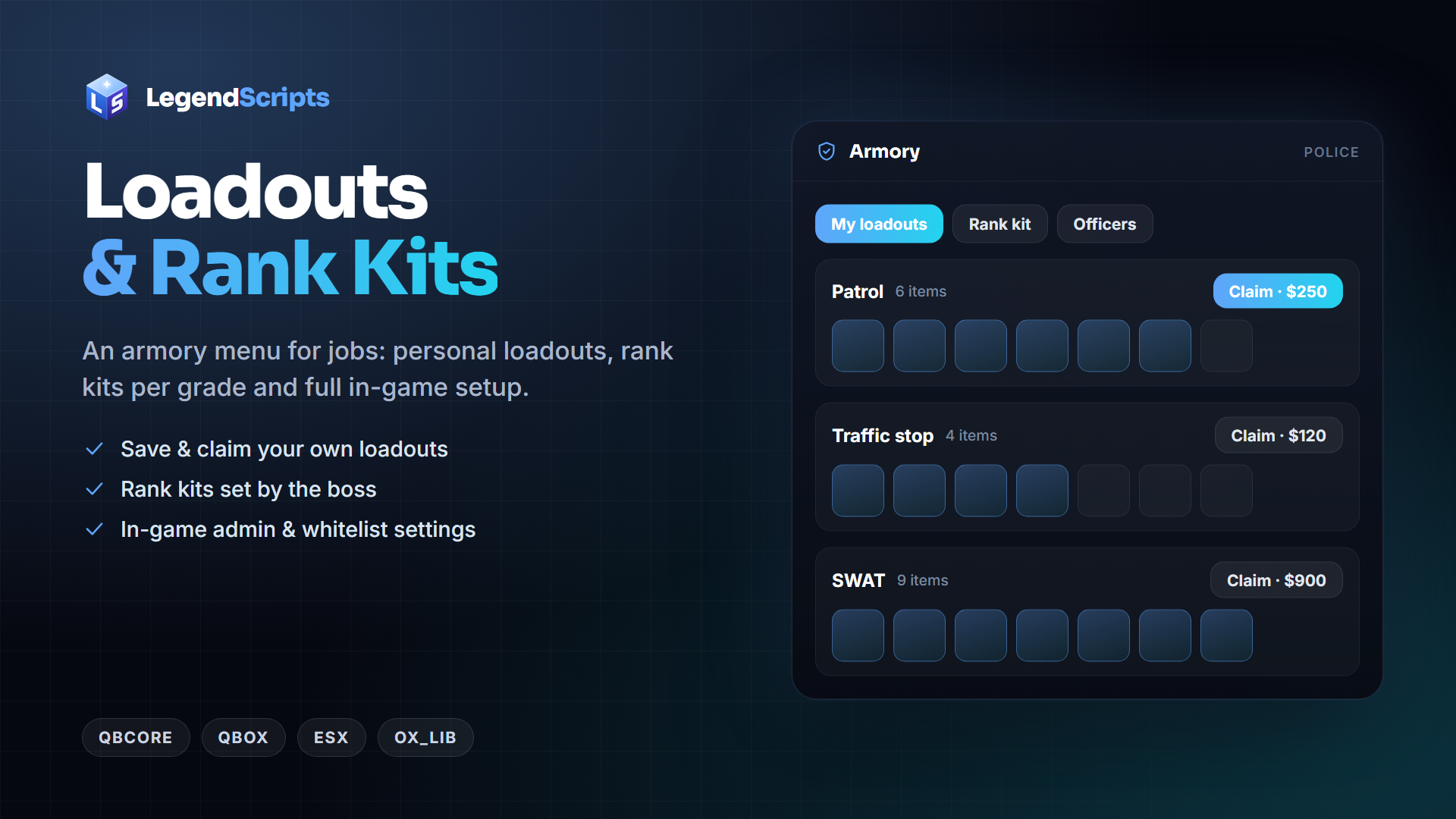
An armory menu for jobs. Players save their current gear as named loadouts and claim them again later, every grade can get its own rank kit,
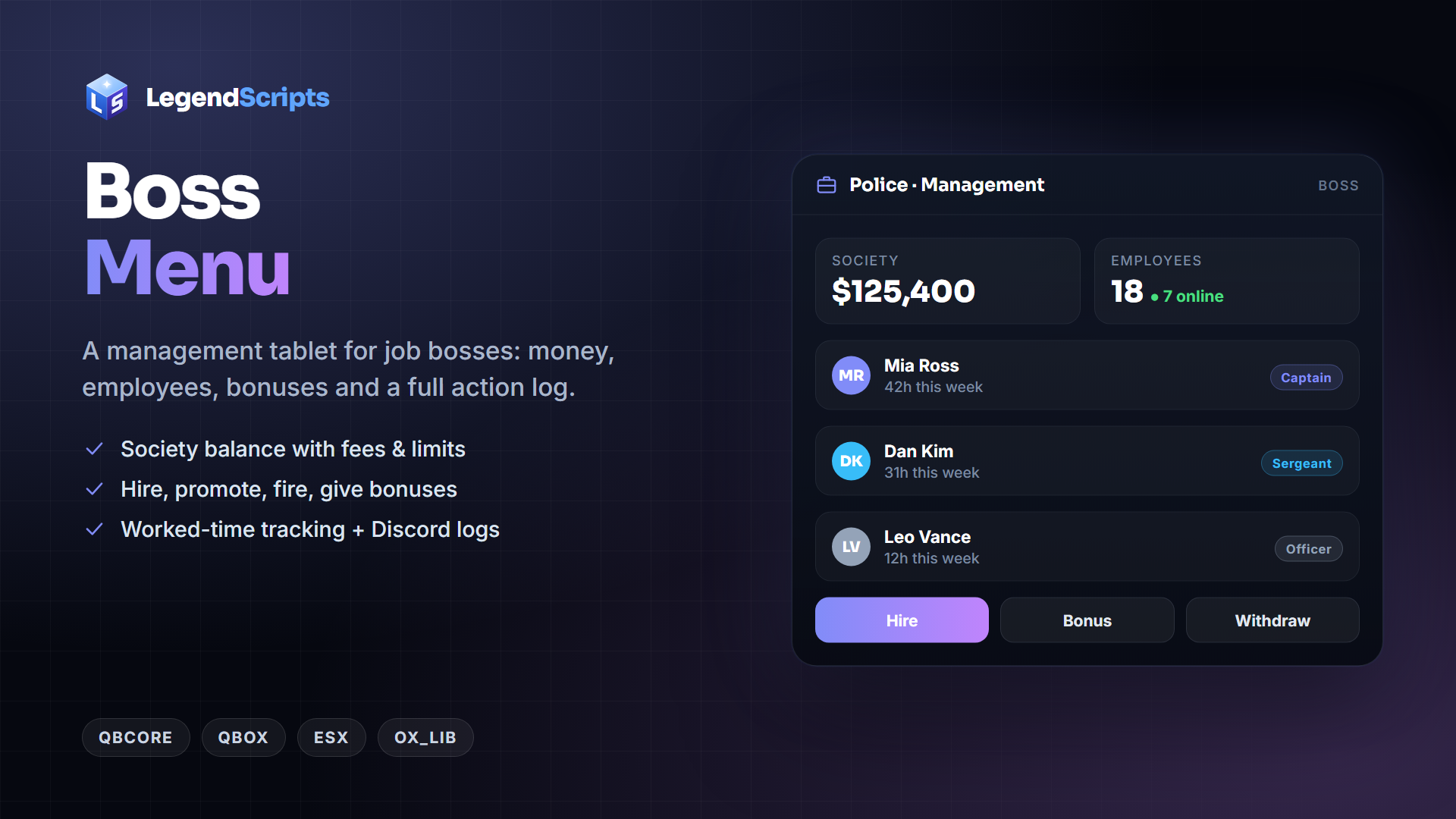
A management tablet for job bosses: society balance, deposits and withdrawals with fees and spending limits, bonuses, hiring, firing, grade